The checkup station
The Checkup tab turns the kiosk into a guided assessment station. A wellness wheel covers six domains — Body, Mobility, Balance, Strength, Mind and Cardio — and fills in as you complete tests: mobility angles measured by the camera, a balance hold, a 30-second squat count, a reaction-time game, grip strength and two heart-rate tests. Your results are rated against your gym's norms and feed a single wellness score.
What you'll do
Run camera-guided tests and read your results. Each test takes one to three minutes.
You'll need: a signed-in session, a kiosk with a working front camera for the movement tests, and room to stand a few steps back from the screen.
Steps
-
Open Checkup. The wellness wheel shows your six domains — grey until tested — with your score in the centre and one suggested next test. Below it, Choose a test lists the full battery.
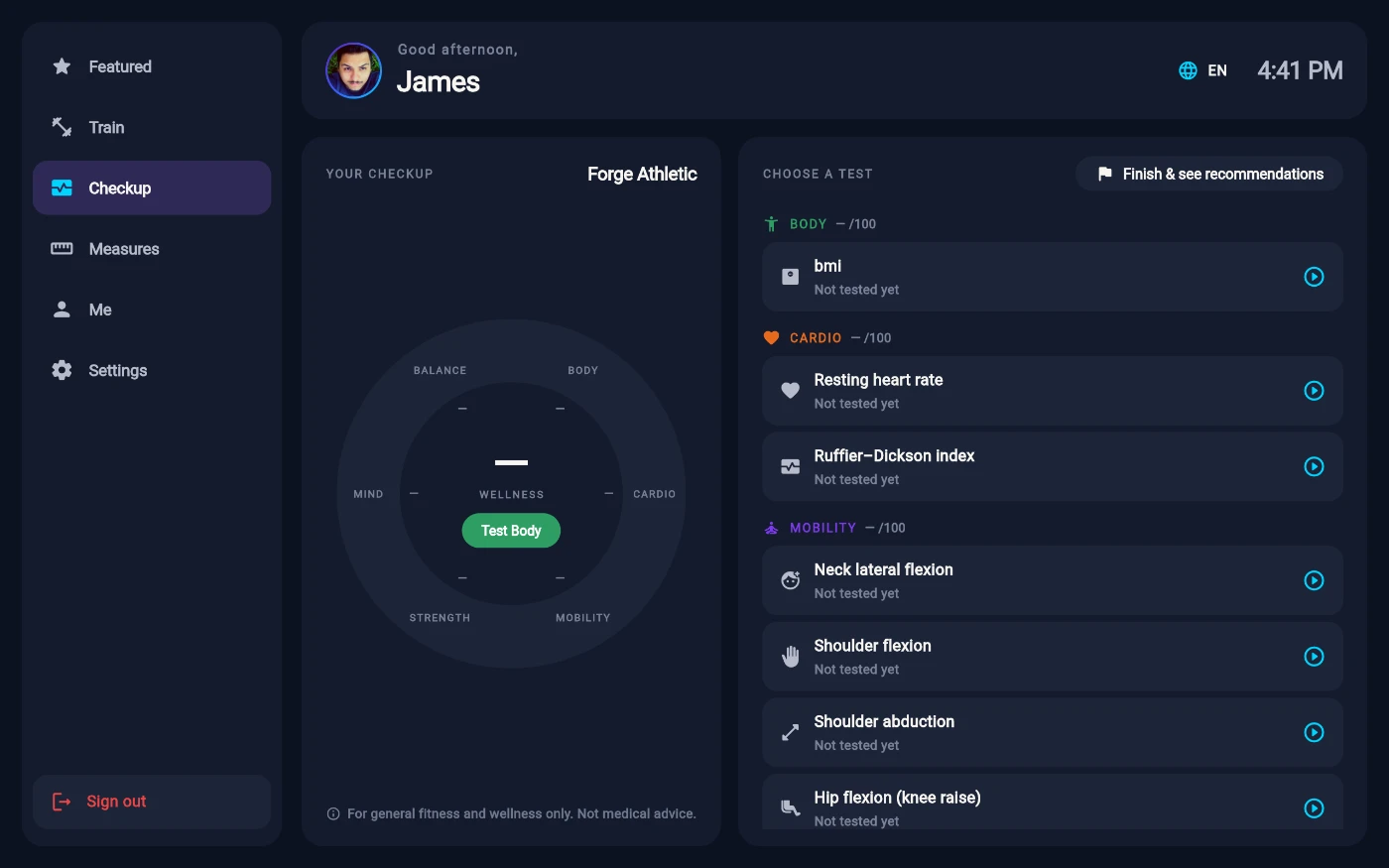
The wellness wheel and the test battery. -
Pick a test. Each starts with short, illustrated instructions — some are face-on, some side-on, and the screen tells you which way to stand.
-
Follow the positioning guide: step back until your whole body is in frame. When your position holds steady the kiosk counts down 3-2-1 and starts measuring. Spoken cues coach you from a distance; the on-screen text stays in your language.
-
Keep your form honest — the camera checks it continuously. Cues like Keep your arm straight or Stand tall — don't lean mean the attempt won't count until you fix it; the countdown restarts once you do.
-
Two tests need no camera at all: Brain speed is a tap-when-it-turns-green reaction game, and Grip strength uses the hand dynamometer if your gym has one (manual entry otherwise). The two cardio tests — Resting heart rate and the Ruffier–Dickson index — use the gym's heart-rate strap, with manual entry as the fallback.
-
Each result lands on a rating from Poor to Excellent for your age and sex, and the wheel updates. When you've done a few, tap Finish & see recommendations for your summary and suggested next steps.
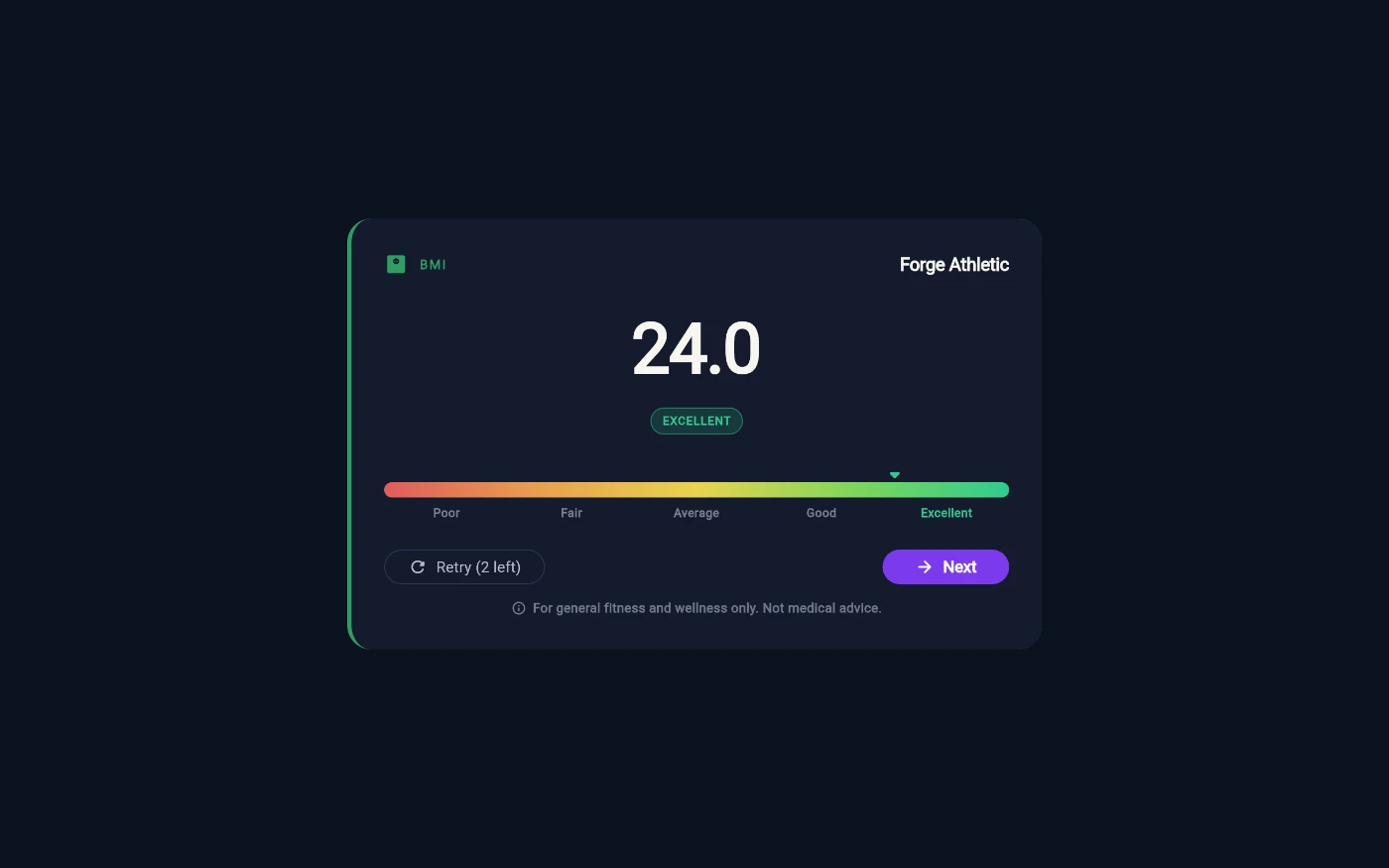
Every result lands on the same Poor-to-Excellent scale.
What you should see
The wheel colours in domain by domain, your wellness score updates, and the checkup hero on your Featured home shows the new score. Results feed your recommendations and are there to beat next visit.
If something goes wrong
- "Camera access is disabled on this kiosk." — staff need to allow the camera permission for the kiosk app in Android settings.
- "This kiosk has no usable camera" — camera-guided tests are honestly unavailable on that unit; the no-camera tests still work.
- "We couldn't get a clean read." — after too many broken-form attempts the test stops. Reset and try again with slower, cleaner movement, or come back later.
- The kiosk asks you to turn the tablet upright — some tests need the portrait shape to fit your whole body; rotate it (or step further back) and continue.
- A domain says "Recorded by staff" — that measurement is taken at the front desk, not self-served; ask the team.
Still stuck? Email hello@prismgym.com — include your gym name, the device, and a photo of what you see.