The social inbox
Leads message gyms wherever they already are — Instagram, WhatsApp, Messenger, Telegram. The Social inbox pulls all four into one list so nobody's DM dies unanswered in an app no one checks. On top sits an optional AI: it can stay off, draft a reply for staff to review, or answer autonomously within guardrails you write — and it always hands the conversation to a human when the message mentions things like refunds or complaints.
What you'll do
Connect at least one platform, choose the AI mode, teach it your facts, and work a conversation.
You'll need: an owner sign-in, plus the credentials of the channels you connect (bot token for Telegram; access tokens from your Meta business setup for WhatsApp, Instagram and Messenger).
Steps
-
Open the drawer → Social inbox. First visit shows Connect your social channels — tap Connect a platform. Later, the gear opens Social settings.
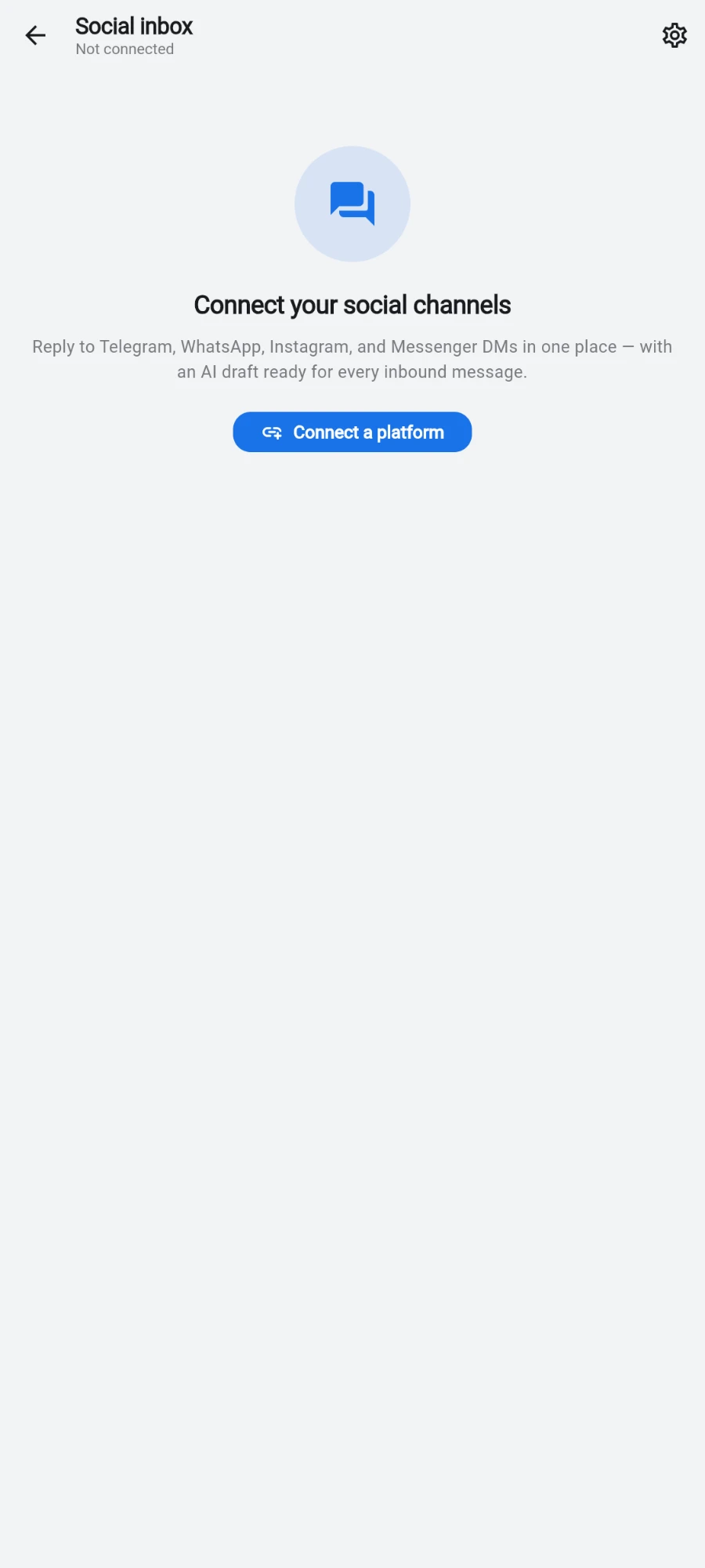
Nothing connected yet — start with Connect a platform. -
In Social settings → Connected platforms, tap Add a platform and pick one. Each platform's form asks only for what it needs — Telegram wants the bot token, WhatsApp its access token and phone number ID, Instagram and Messenger a page access token. The form shows a Webhook URL to paste into the platform's developer settings so messages flow in. Tap Save credentials.
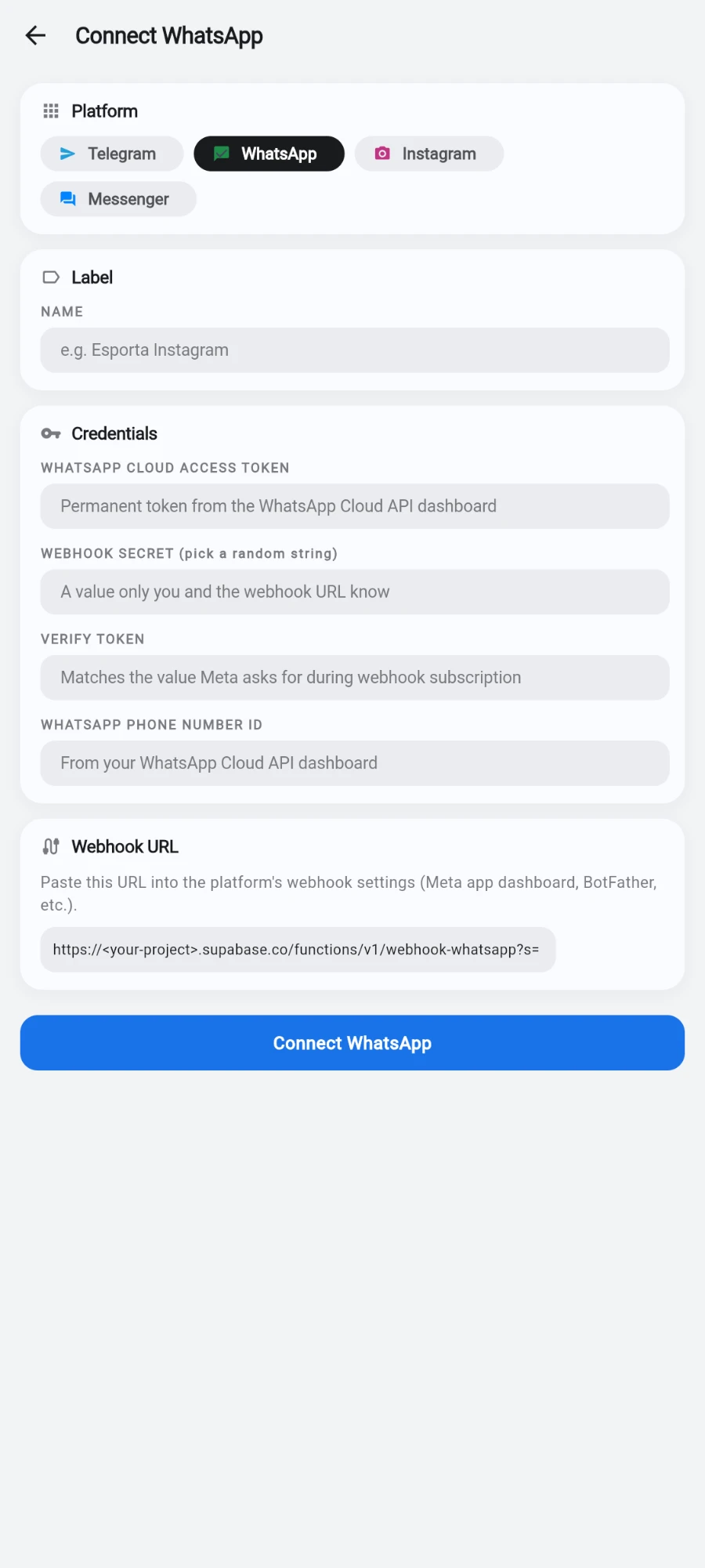
Each platform's form asks only for what that platform needs. -
Choose the AI auto-reply mode: Off (No AI activity. Staff reads and replies manually.), Draft (AI writes a draft on every inbound message. Staff reviews and sends.) or Autonomous (AI replies without review. Handoff rules still apply.). Start with Draft.
-
Shape it under AI behaviour: the TONE it writes in, a SALES PRIORITY instruction (the default steers conversations toward booking a tour rather than quoting prices), the HANDOFF KEYWORDS that force a human takeover — refund, lawyer, complaint, injury, dispute, cancel and chargeback are pre-filled — and the AFTER-HOURS REPLY sent outside your BUSINESS HOURS. Tap Save behaviour.
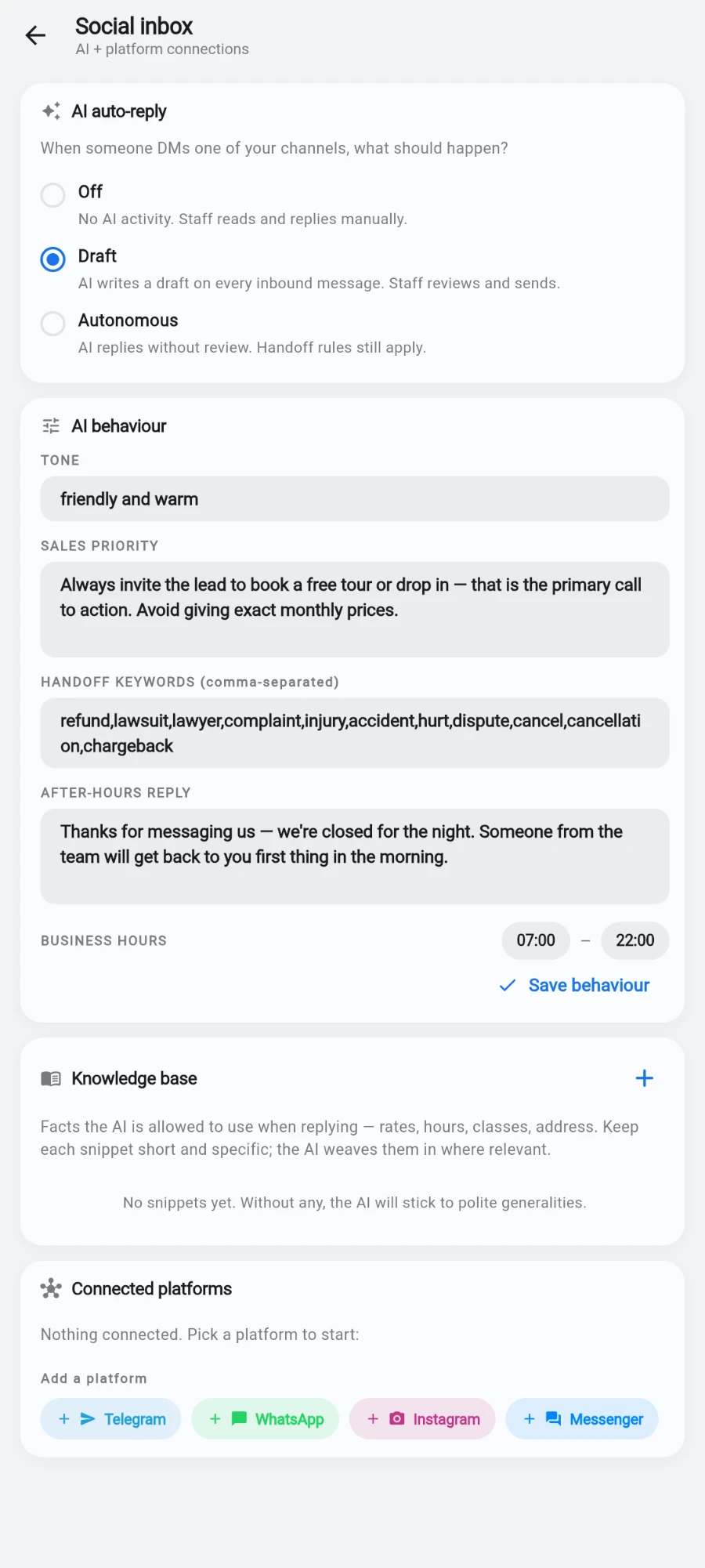
Mode, tone, sales line, handoff words and after-hours reply, all on one screen. -
Feed it facts in Knowledge base → Add snippet — opening hours, parking, class policies, whatever you want it allowed to state. Without snippets the AI stays vague on specifics, which is safer than guessing.
-
Back in the inbox, conversations from every platform appear in one list, filterable by platform, with AI DRAFT and HANDOFF badges where relevant. Open one: in Draft mode an AI DRAFT READY panel shows the proposed reply — Use draft to send it (you can edit first) or Discard draft.
-
Per conversation you can override the gym-wide mode — a small control cycles OFF, DRAFT and AUTO for that thread — and Flag for human marks it as needing a person regardless of what the AI thinks.
What you should see
Every DM from every connected channel in one list, each with a sensible draft waiting, and the awkward ones flagged for a human. The unread and handoff badges tell you at a glance what actually needs you.
If something goes wrong
- Messages aren't arriving from a platform — the webhook wasn't pasted into that platform's settings, or a token expired. Re-open the platform's card; it shows Needs credentials when something is missing.
- The AI quotes wrong prices or hours — it learned them from a stale snippet. Fix the snippet; deleting one stops the AI using that fact immediately.
- The AI replied during a complaint — add the word that should have caught it to HANDOFF KEYWORDS; the list is comma-separated and takes effect on the next message.
- A conversation is stuck with a handoff badge — that's the AI waiting for a person. Reply manually, then unflag it.
Still stuck? Email hello@prismgym.com — include your gym name, the device, and a photo of what you see.