Kitchen and bar dockets
With docket routing on, ringing up a mixed order prints more than the customer receipt: the kitchen gets a docket of just its lines, the bar gets its own, and each docket carries the order reference, the table, the member's name and any note — so the stations start working the moment the till rings. Prepaid orders from the member app print with a bold PAID line so nobody chases money that is already in the wallet.
What you'll do
Turn docket routing on, give your prep stations printers, and check a test order prints one docket per station.
You'll need: owner or manager access, and your printers already registered (see the printers chapter) — at least one with the Kitchen or Bar role.
Steps
-
Register the prep printers first: Settings → Devices & access → Printers, and give each station its own printer with the matching ROLE chip — Kitchen for the kitchen, Bar for the bar, or a Label printer if a station uses stickers.
-
Open Settings → Devices & access → Receipt customisation and scroll to Docket routing.
-
Turn on Enable kitchen / bar dockets. The subtitle confirms the behaviour: items linked to kitchen or bar printers auto-print when a sale is rung up. Tap Save.
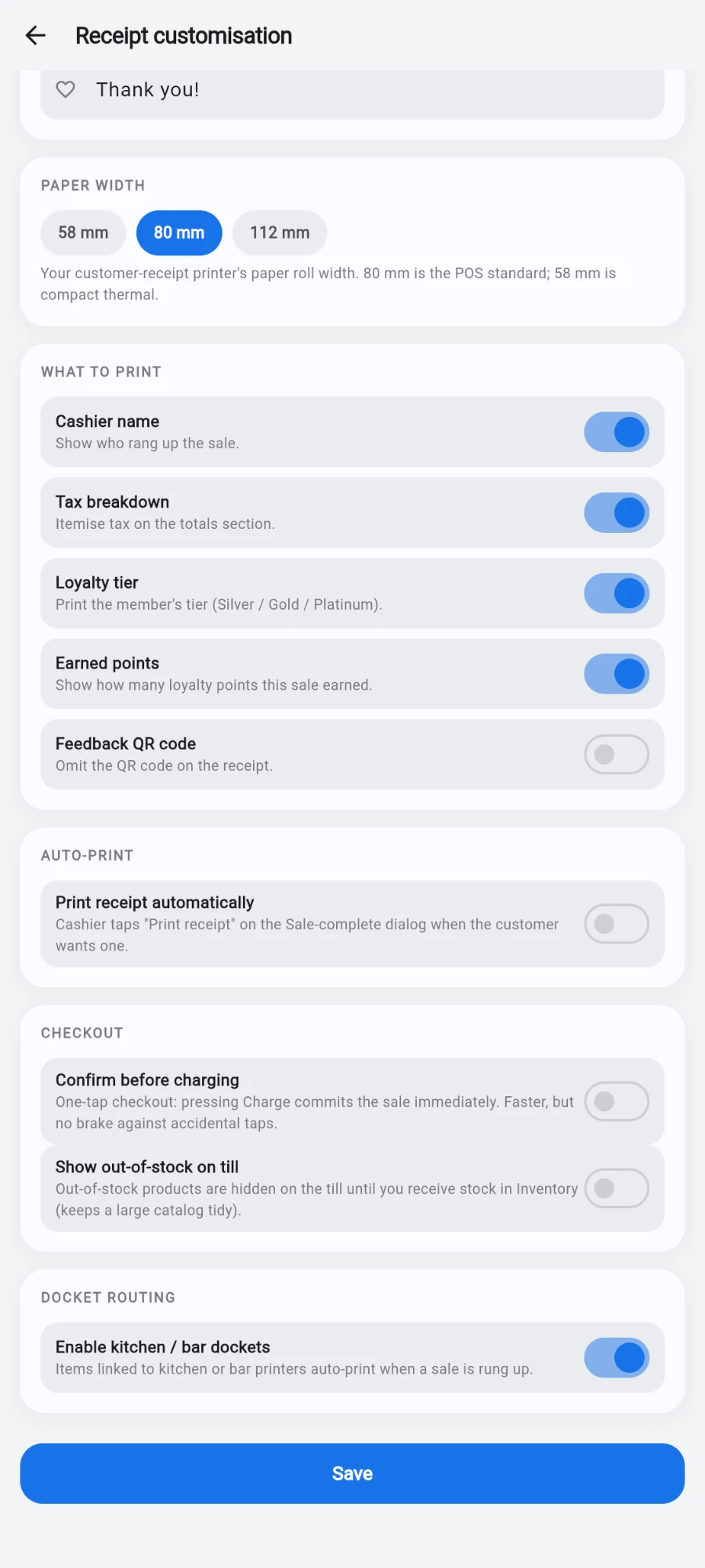
Docket routing on — the subtitle spells out what will now print. -
Link your food and drink items to their stations so the register knows where each line goes — an item resolves to its own printer first, then falls back to its category's printer. Items with no station print on the customer receipt only.
-
If you use tills, set each till's routing too: the till form's Printer routing section has Receipt printer, Kitchen printer and Bar printer dropdowns, so the bar till and the reception till can print to different hardware.
-
Ring a test order containing one kitchen item and one bar item. At charge, the customer receipt prints as normal, plus one docket at the kitchen printer and one at the bar printer — each headed with its station name and listing only its own lines.
-
Check what the docket carries: order reference, table label when the sale came off a table, the member's name, and any free-text note from the sale. Orders already paid from a member's wallet print with a bold PAID line naming the method.
What you should see
One docket per station per order, each listing only that station's lines, and no docket at all for orders containing nothing routed — those print on the customer receipt only.
If something goes wrong
- No dockets print at all — check Enable kitchen / bar dockets is on and saved, and that the station printers are marked Active.
- Everything prints on the customer receipt only — the items are not linked to a kitchen or bar printer, and neither are their categories. Link them and ring a fresh test.
- Dockets come out at the wrong station — an item-level printer link overrides the category's; check the item's own routing before blaming the category.
- The docket is unreadable or blank — same fix as receipts: flip the thermal roll, and run Test print on that printer from the printers screen.
Still stuck? Email hello@prismgym.com — include your gym name, the device, and a photo of what you see.