STUDIO TV
A live heart-rate wall for group training.
Studio TV turns a spin or HIIT room into a scoreboard. Tiles scale from four to fifty-plus participants, a spotlight rotates fairly, and effort points reward time in the upper zones.
ANT+ straps, FE-C equipment and phone or watch heart rate merge on one wall. Strap inventory with battery telemetry lives in the admin app, and the coach console whispers, spotlights and fires sprints from a phone.
Class ends on a podium: Olympic top three, NEW PR badges and a guest-conversion QR strip. An idle room falls back to your signage playlist.
The inventory
Everything Studio TV does. Code-verified.
★ marks things you won’t find elsewhere in this category.
Studio TV
- Live HR wall: zone-coloured tiles scaling 4→50+, giant spotlight with fair 15-second rotation
- Effort points — Z3 1/s · Z4 2/s · Z5 4/s — with live ranking
- Podium: Olympic top-3 with cinematic entrance, NEW PR badges, guest-conversion QR strip
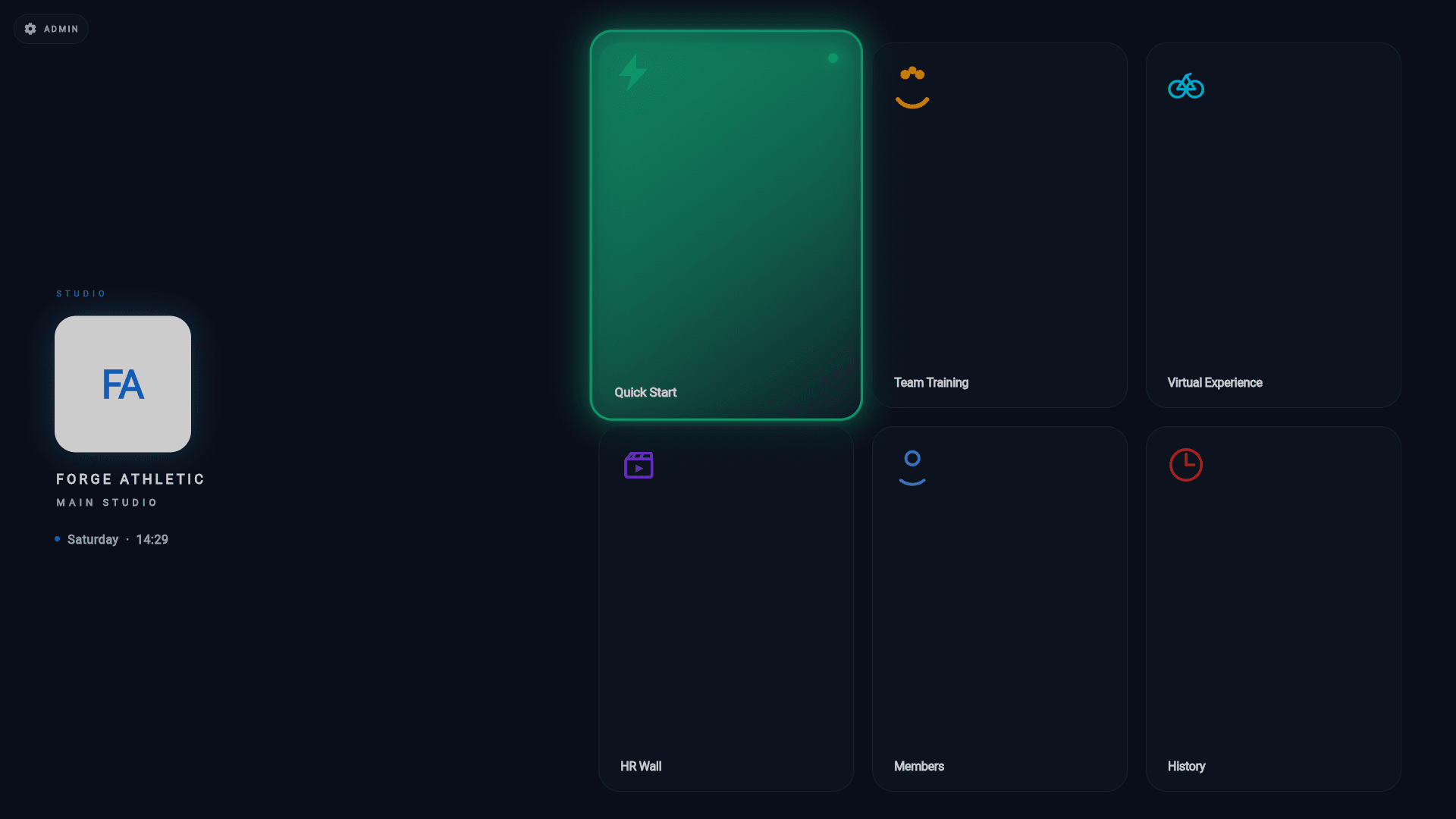
- Virtual rides: your own 4K/HDR library behind live HR overlays; Quick Start and Team Training from rosters
- Coach console in the admin app: whisper, spotlight, fire-sprint — on the wall in ~250 ms
- ANT+ straps and FE-C equipment plus phone/watch HR merged on one wall; strap inventory with battery telemetry
- Six-digit pairing, white-label branding cached before Wi-Fi, idle signage takeover
From the manual
Shown, not told.
- Start a class on the TVFrom the Hub, launch a live training wall — an instant Quick Start session or a scheduled class from Team Training — and end it cleanly when the room is done.
- The heart-rate wallRun the spotlight-format HR Wall: member rings around a giant centre stage, effort points scored by time in zone, and a fair rotation so everyone gets their moment.
- Strap pairing and loansGet heart-rate straps into the inventory, pair them permanently or loan them for a class, and check who's linked from the TV's Members screen.
- Virtual experiencesUpload your own scenic ride and workout videos, then play them full-screen on the studio TV with the live heart-rate overlay on top.
- The podium and class reportsWhat happens when a class ends — the top-3 podium celebration on the TV — and how to read past classes, leaderboards and per-member reports from History.
- Idle screen and signage takeoverWhat the studio TV shows between classes — the branded idle screen — and how to hand its downtime to a signage playlist that steps aside the moment a class starts.
- TV settings and quiet hoursOpen the PIN-gated admin panel on the studio TV itself: Wi-Fi, brightness and sound, quiet hours, high-contrast mode, and the diagnostics that prove the hardware is alive.
The rest of the suite