DOOR & ACCESS
Access control that opens the door and records the visit.
Access rules live on the plan: gender, time windows past midnight, day masks, per-gate allowlists and tier ceilings. A freeze or an expiry tears the record down on every terminal.
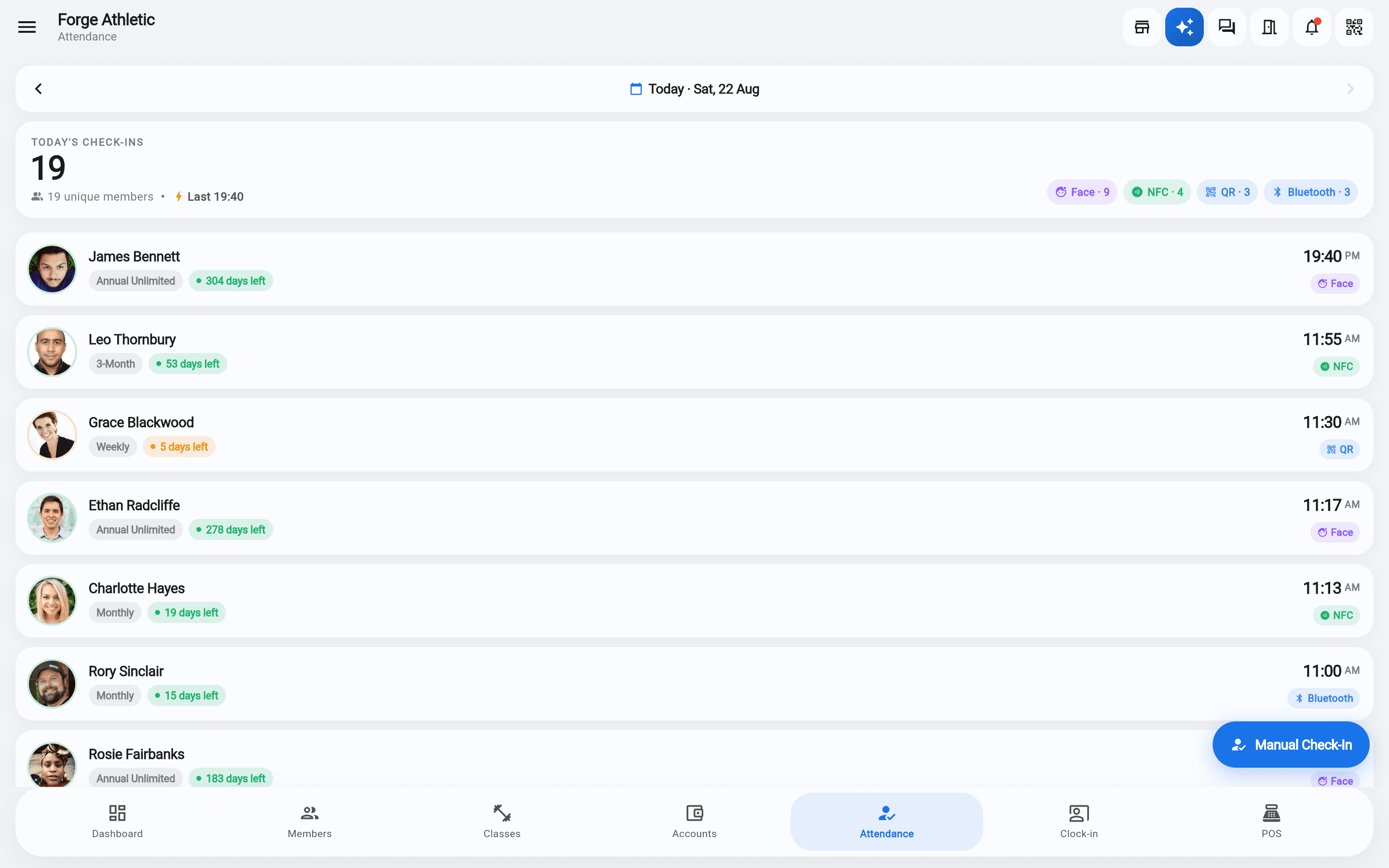
Members carry any mix of credentials: an anti-clone DESFire NFC card or wristband, their phone over Bluetooth, the rotating QR in the member app, or their face at a terminal.
Schedules are compiled into reader and terminal firmware, so the door keeps opening with the internet down. When it returns, a realtime queue, a 15-minute sweep and a reconciler fix drift in both directions.
The inventory
Everything Door & access does. Code-verified.
★ marks things you won’t find elsewhere in this category.
Door & access
- Prism-built ESP32 readers — 4 variants, one worldwide firmware; captive-portal, magic pairing or factory QR claim
- Anti-clone NFC: DESFire AES mutual auth — a photographed or cloned card fails
- Phone as key: BLE rolling signed tokens; rotating 60-second QR; cards and wristbands enrolled by tapping a staff phone
- Hikvision face terminals: remote enrolment; freeze or expiry tears the record down; offline schedules compiled into firmware
- Self-healing sync: realtime queue + 15-minute sweep + reconciler that fixes drift in both directions
- Remote gate open, LAN-first (works with the internet down), preset reasons, audit + Telegram trail
- Eight capture methods in one stream with ±60 s dedup and 9 plain-English denial reasons
- Guest passes with quotas; packs that open doors with their own gates and windows; cross-location visiting with settlement
From the manual
Shown, not told.
- Install a Hikvision face terminalPut a face terminal on the gym network, connect it to Prism, and push your members to it so a face opens the door.
- Install a ZKTeco face terminalConnect a ZKTeco BioFace terminal to Prism. It dials out to us, so it works from any site with internet — but two menu settings decide whether it enforces membership expiry at all.
- Face terminals: Anviz / TIMY (cloud)Connect an Anviz / TIMY face terminal to Prism: add it by serial, type four values into the terminal's Comm menu, sync — then everything else is automatic, from anywhere.
- Enroll a Prism door readerPair a Prism NFC/Bluetooth door reader with your gym over the reader's own setup Wi-Fi — no engineer, no typing device keys.
- AI camera box tiers and specsEssentials, Verified and Pro on-site: what each level of the AI camera box runs, the hardware behind it, and where your video stays.
- Install the AI camera boxPlug the security box in, read the code on its screen, pair it from the app — no keyboard, no passwords. Plus Wi-Fi backup, a second network port, and moving or unpairing a box.
- Set up the member kioskInstall the kiosk app on an Android tablet, pair it with the 6-digit code, lock it down, set the staff PIN and test a USB card reader.
- Set up a signage screenInstall the Prism Signage player on any Android TV box, pair it with a 6-digit claim code, and publish its first content with the guided setup wizard — all in a few minutes.
The rest of the suite